How MulaStar Video Activities Work
A practical look at opening, viewing, completing, and verifying a video activity.
By MulaStar Editorial · Updated
Video
How MulaStar Video Activities Work
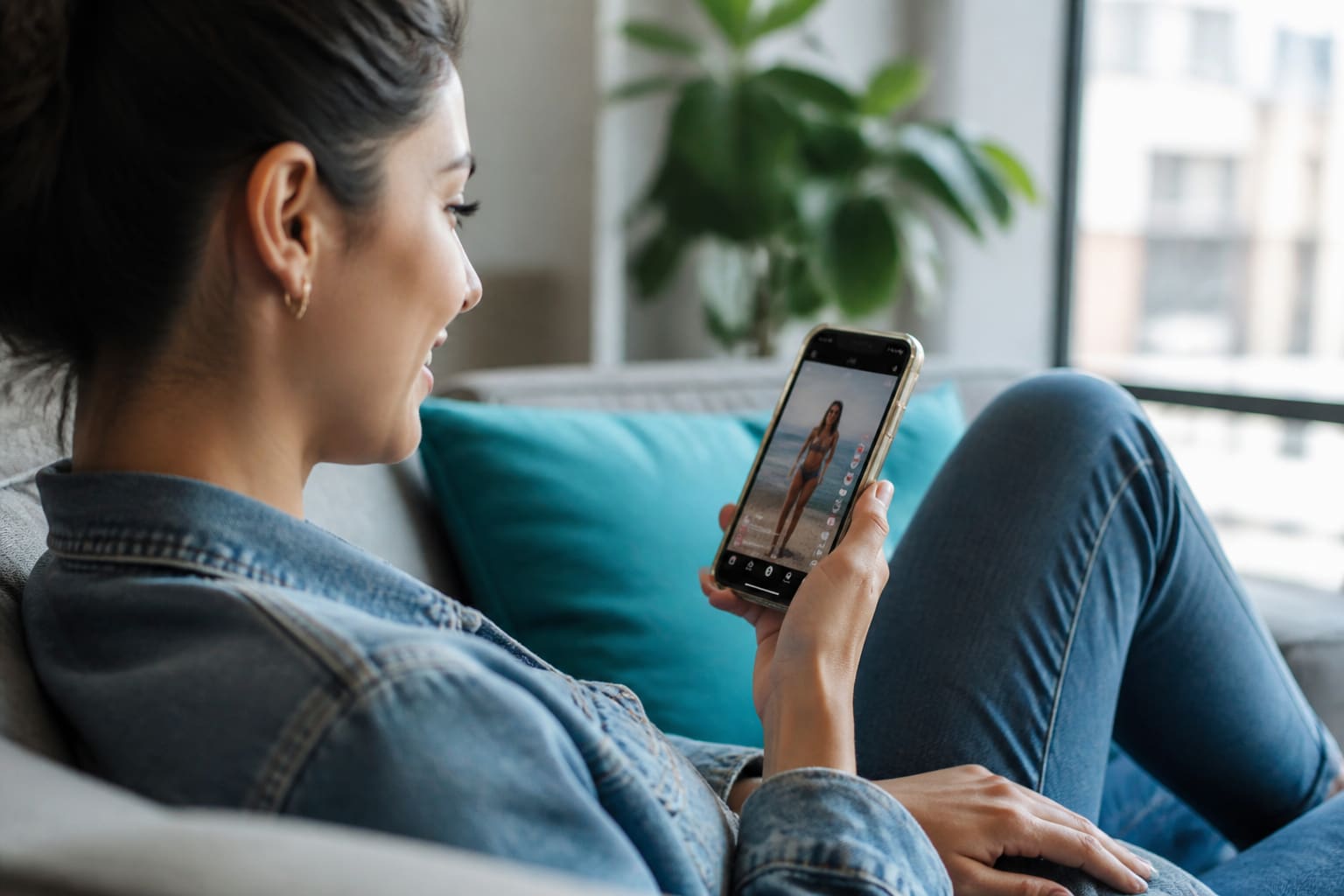
MulaStar pays users to watch TikTok and YouTube videos through the platform. Read the live task instructions, complete the required viewing honestly, and confirm that the dashboard records the result.
Read the activity card before playback
Check the stated duration, instructions, data implications, deadline, and completion condition. If any reward or eligibility language appears, treat it as conditional and verify the current terms; opening a video does not guarantee payment.
Keep the viewing session intact
Use a stable connection, keep the required page active, and avoid repeated refreshing. Follow only the actions requested in the official interface; never enter credentials on a third-party video page.
- Start with adequate battery and data
- Keep sound available if questions depend on it
- Do not automate playback
- Wait for the completion response
Check how completion was recorded
Look for the account’s current status label or history. If it remains pending, save the activity name, time, device, and redacted result before retrying or asking official support.
Treat the recorded status—not elapsed watch time—as evidence that the platform accepted the activity.
FAQ
Does watching the full video guarantee a credit?
No. Eligibility, validation, availability, and terms may apply. Check the live activity and account status.
Why might a video restart?
A network interruption, refreshed page, expired session, or player error can reset progress; record the behavior before another attempt.
About the author
MulaStar Editorial (Independent Information Team) maintains this independent MulaStar information website. Content is aligned to MulaStar’s described earning features — registration, login, the Android app, videos, ads, blogging, games, spins, referrals, and bonuses. Always verify live dashboard details in your account.
Sources for readers: official in-account terms, privacy notices, and the related guides linked below. This page was last updated on 9/4/2026.