MulaStar Facebook Activities Guide
Facebook-focused advice for audience controls, groups, pages, and external authorization prompts.
By MulaStar Editorial · Updated
Video
MulaStar Facebook Activities Guide
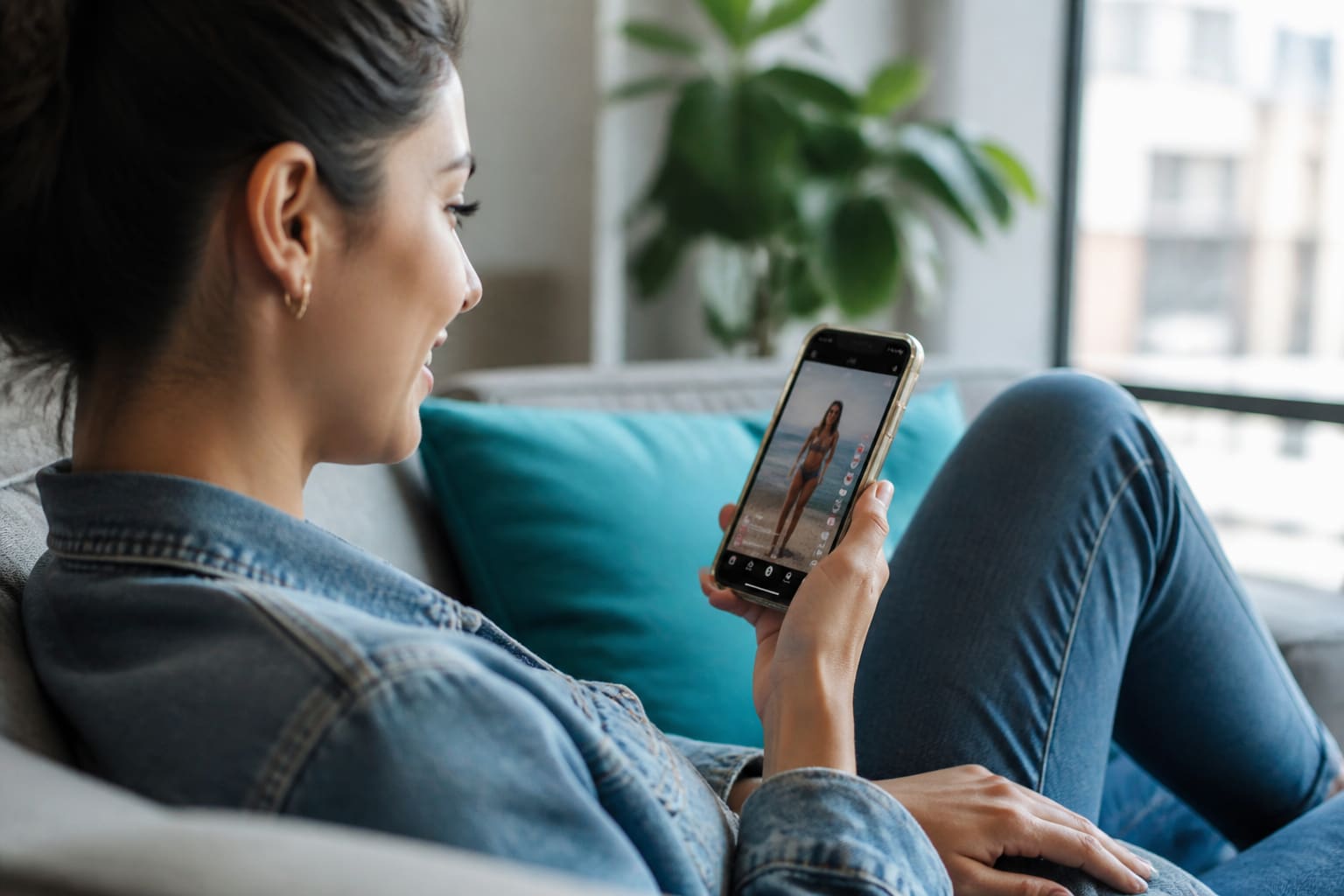
MulaStar users can watch Facebook reels for 30 seconds through the dashboard and earn per view. The source lists reel viewing, not public posting or group activity, so follow only the actual dashboard instructions.
Check the audience before interacting
Inspect whether the destination is a profile, Page, Group, event, or external site. Read group rules and the post’s audience before commenting or sharing. Do not publish personal documents or location details.
Treat authorization screens cautiously
A task should not need broad permission to manage pages, read private messages, or post indefinitely. Review the developer and scopes, and reject any access that exceeds the visible activity.
Recognize common social-engineering detours
Fake prize claims, urgent account warnings, cloned profiles, and requests to move into private chat are separate from normal activity completion. Verify independently through official channels.
Use Facebook’s audience tools as a last check, not as permission to share content you do not trust.
FAQ
Can a Page admin ask for my password to verify a task?
No. Page administrators and support do not need your password or verification code.
Does deleting a shared post erase every copy?
No. Others may have captured or reshared it, which is why content should be reviewed before posting.
About the author
MulaStar Editorial (Independent Information Team) maintains this independent MulaStar information website. Content is aligned to MulaStar’s described earning features — registration, login, the Android app, videos, ads, blogging, games, spins, referrals, and bonuses. Always verify live dashboard details in your account.
Sources for readers: official in-account terms, privacy notices, and the related guides linked below. This page was last updated on 9/4/2026.